Remove a group member
While members can leave a group at any time, an administrator may need to remove a group member. They can choose whether to notify the affected member(s), leaders, or both by email. Leaders can also remove group members directly from Church Center.
Important
When a person is removed from all groups, they no longer appear on the Groups People page, but remain in the People database. A People administrator must make their profile inactive.
Remove a single member
Go to the group's Members tab.
Select the X to the far right of the member you want to remove.
In the pop-up, uncheck the boxes to not notify the removed member and/or group leaders by email. By default, these boxes are checked to notify them. The email cannot be customized (see example below).
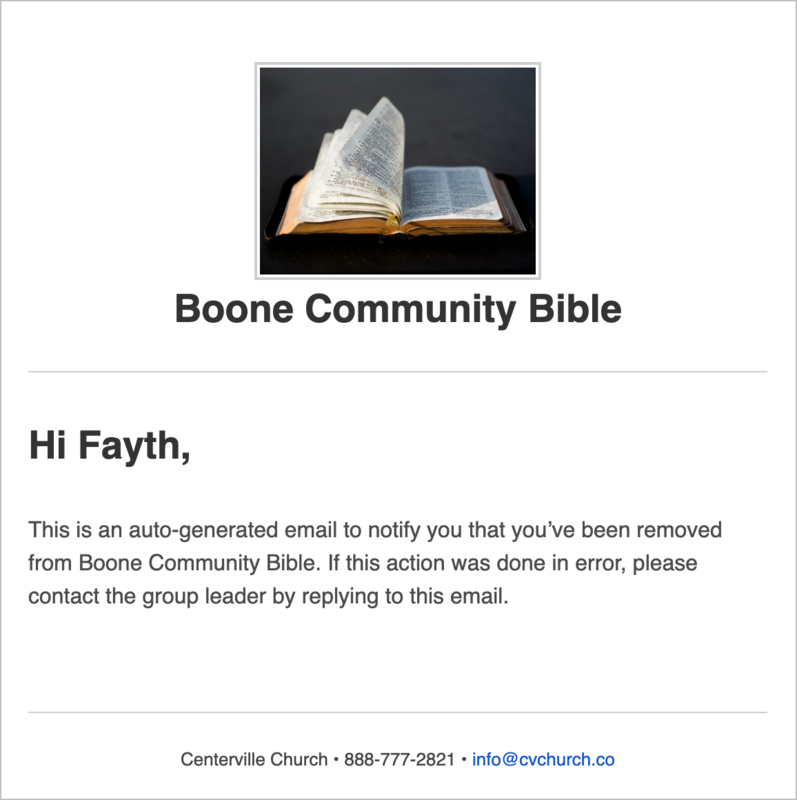
Select Yes, remove to complete the removal.
Tip
Need to remove a visitor? Visitors are automatically added to the attendance roster after the first event they attend. If they don't attend the next event, they no longer appear on the attendance form, and you must add them to the attendance for future events.
Remove multiple members in bulk
Go to the group's Members tab.
Check the box next to each member you want to remove.
Select the ⊖ minus icon at the top of the list.
In the popup, uncheck the boxes to not notify the removed member and/or group leaders by email. By default, these boxes are checked to notify them. The email cannot be customized (see example below).
If the All group leaders box is left checked, leaders will receive a separate email notification for each removed member.
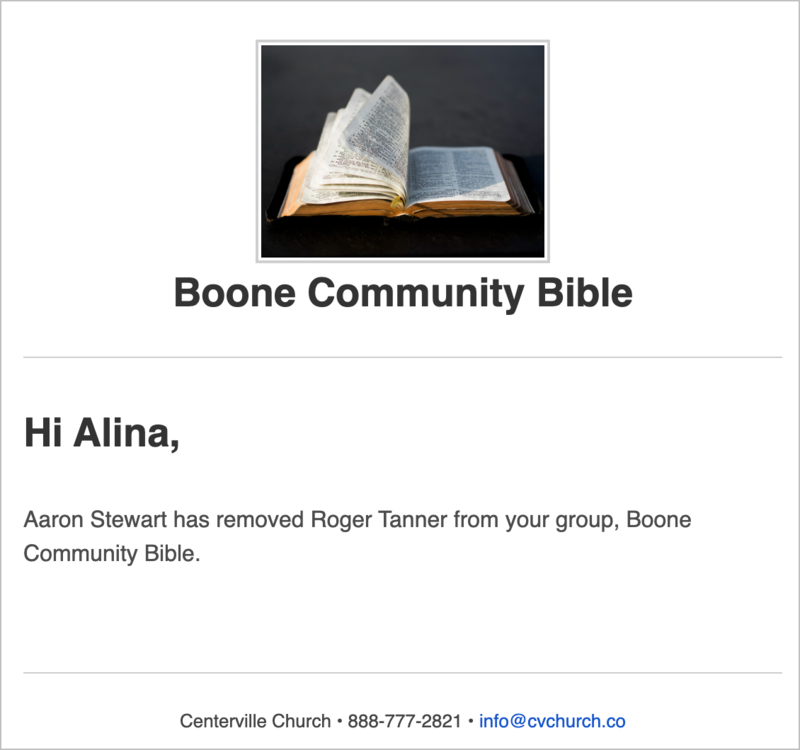
Select Yes, remove to complete the removal.
What happens when someone leaves or is removed?
When a member leaves a group or is removed, the following occurs:
An activity card is added to their profile in People.
If they leave on their own, all group leaders get an email.
Messages they already sent stay in the group's chat.
If they subscribed to the group's calendar in Church Center, the group's events stop updating in their calendar app. To remove the calendar and its events, they'll need to unsubscribe from it directly in their calendar app, such as Apple, Google, Outlook, or Yahoo.
They lose access to Home dashboards shared with the group, unless the dashboard was also shared with them directly.
If the group's events still show up for them in Church Center after a few minutes, contact Planning Center Support.