Track a person's activity
Use the Activity tab to see how people are interacting with your church.
To view a person's profile activity, open the Activity tab on their profile.
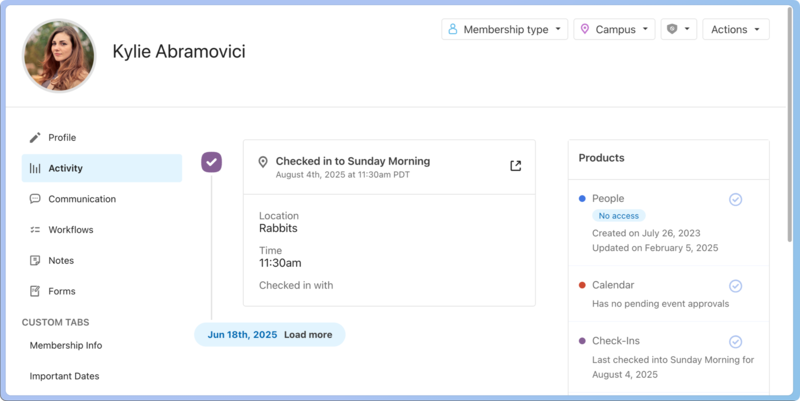
Your permissions in each product determine what you can access on the Activity tab. If you don't have permissions in a product, you won't see the activity for that product. Organization administrators can permanently delete email addresses, phone numbers, or physical address changes from a person's activity by hovering over the data point and selecting the delete option.
If you delete someone's Registration, Check-In, Group Attendance, etc., that card is erased from the activity log. Any cards associated with profile changes will be kept, but the card holding the action itself will be gone.
If you want information for just one product, you can turn off the other products by toggling them in the right sidebar.
To keep up with people who haven't had any recent activity, create a list!