View and reconcile payouts
After you've collected payments through your signups, you need to know where the money goes and how to reconcile those payments to your bank account. You can use payout reports to complete this process each month.
Warning
Registrations is for tracking non-tax-deductible payments only. Payments made through Registrations will not be visible in Giving.
All payments made online via Church Center are processed by Planning Center Payments. By default, all the funds received (minus the processing fees) are pooled together and deposited into your linked bank account every two days. These deposits are called payouts.
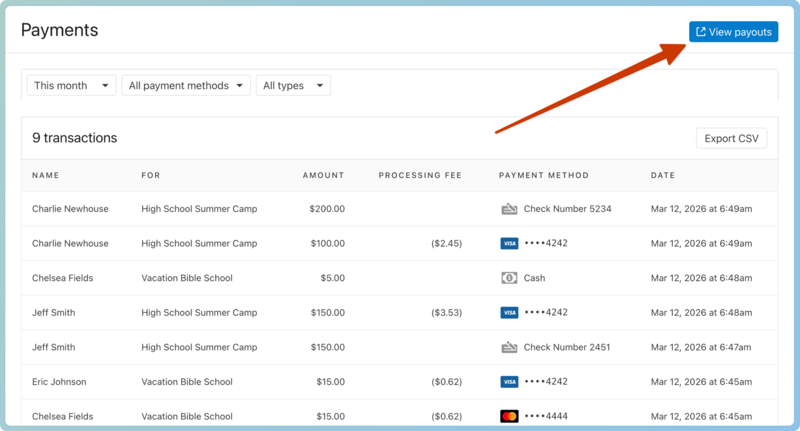
Each time you receive a payout, a payout report is generated in Account settings to help you reconcile the deposit with your bank account and general ledger. Payout reports are located on the Payouts tab on the Payments page in Account settings. Organization administrators and billing managers can navigate to the Payouts tab in Account settings directly from the Payments page in Registrations.
It is recommended to record journal entries in your general ledger instead of individual payments. Deposit entries will reflect your cash and check totals, as well as your payout totals.
For more information about payout reports and reconciling deposits, check out View and download payouts.
More information for bookkeepers
If you also subscribe to Giving, check out the Introduction for bookkeepers article for more bookkeeping suggestions!