Embed Church Center calendar
Display events on your website by embedding the Church Center Calendar. Choose a month, list, or gallery view to display event details.
Important
You must publish your Calendar in Church Center before embedding it on another website. Only events published in Church Center are visible to the public.
Get an embed code for your calendar
Select the Events page from the top navigation in Calendar.
Select Actions in the top right of the calendar.
Choose Share events from the dropdown.
Choose the Embed option from the popup, then select Continue.
Tip
If you applied filters before selecting the Embed option, they will not be reflected in the embedded calendar. To embed a filtered list of events, try sharing an iCal feed instead!
Choose a style for your embedded calendar:
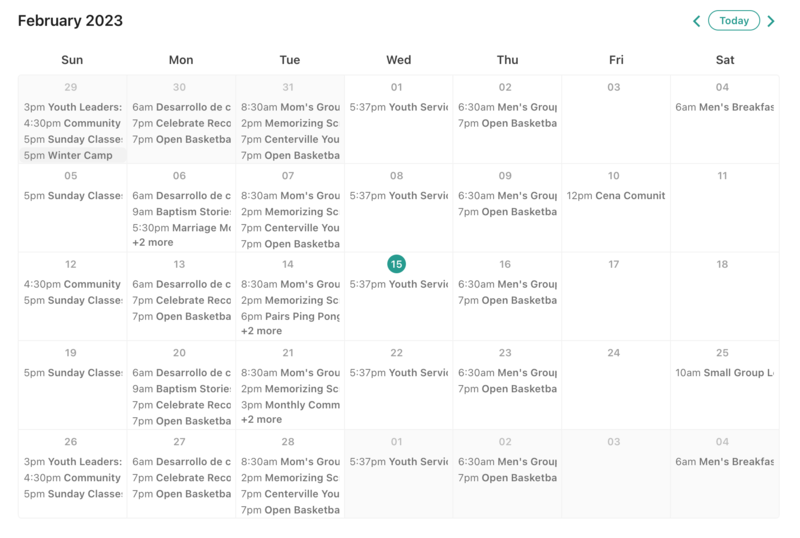
Month: The Month view shows a breakdown of events based on a typical monthly calendar view, which helps people associate an event based on its date.
Important
Only devices and containers wider than 720 pixels can show the Month view. Mobile devices will always show the List view even if you choose Month view as the default.
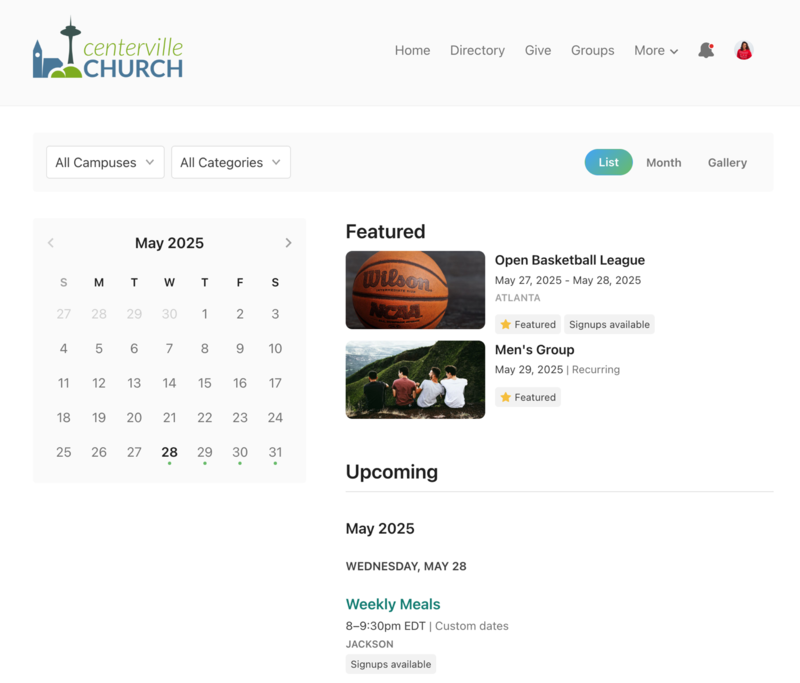
List: The List view is a chronological view of your events. People associate the event with its name. List view is always enabled.
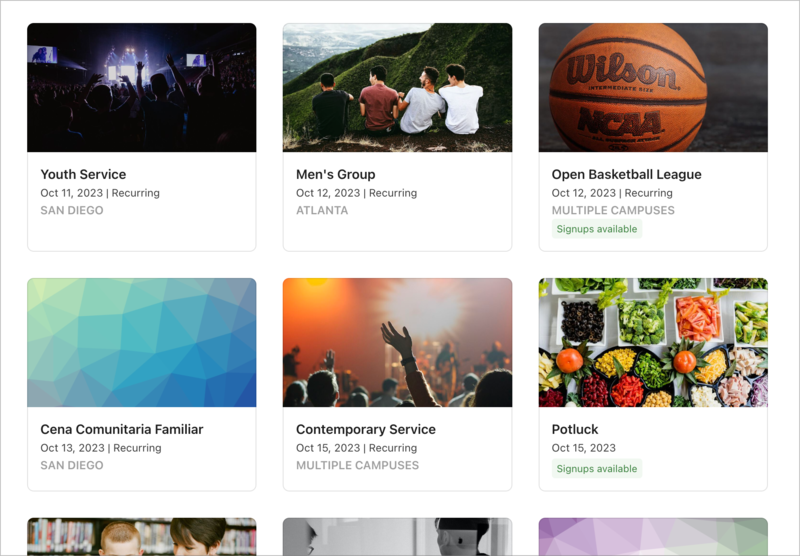
Gallery: The Gallery view gives people an overview of upcoming events using event thumbnails. For recurring events, only the closest upcoming instance is listed.
(Optional) Use the Custom Filters section to narrow down the events included in your embedded calendar:
Campus: Select a specific campus from the dropdown to only display events from that campus, or select All Campuses to show events from all campuses.
Category: Select a category from the dropdown to only display events from that Church Center category, or select All Categories to show all your events.
Check the Include filter bar box to allow people to filter for specific events.
Choose the type of Embed Code you'd like to use: Script, URL, or iFrame.
Select Copy code and paste the embed code anywhere inside your webpage's <body> tag.
Embed examples
Here are examples of the different styles for the embedded calendar.