Common resources
Since you can add unlimited resources to your account, you can get creative with these resources to meet your church's needs. Check out some examples of common resources created by churches!
Childcare
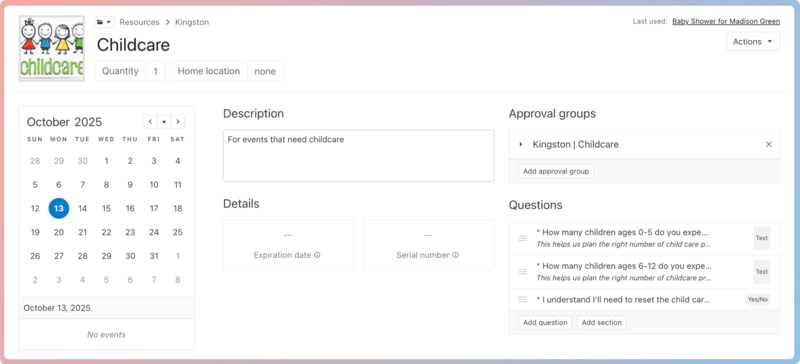
A great way to allow people to request childcare for an event is to add it as a resource. As a resource, childcare can be managed through an approval group and added to request forms and event templates.
You can use required questions to gather information, such as the number of children expected, and to communicate room needs.
Vans
If your church has vans your leaders can use, add them as resources so they can be reserved for events.
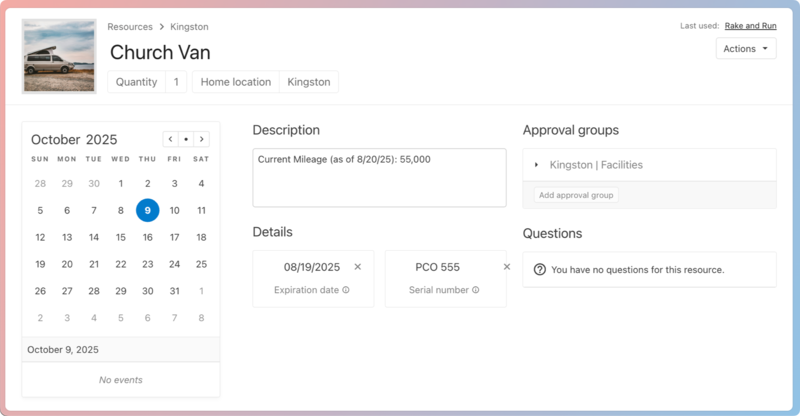
You can use the Expiration date field to track when the van was last serviced or add the license plate number to the Serial number field.
If you use People forms, you can use a combination of People and Calendar forms to track important information, such as driver's licenses, insurance information, and mileage. Here's an example:
Create a People form to gather driver's license and insurance information from prospective drivers. You can add a File field to your form so drivers can upload a copy of their driver's license and insurance card.
Add custom fields in People to track this information in people's profiles after they've filled out the form.
Create an event request form in Calendar for van rental requests.
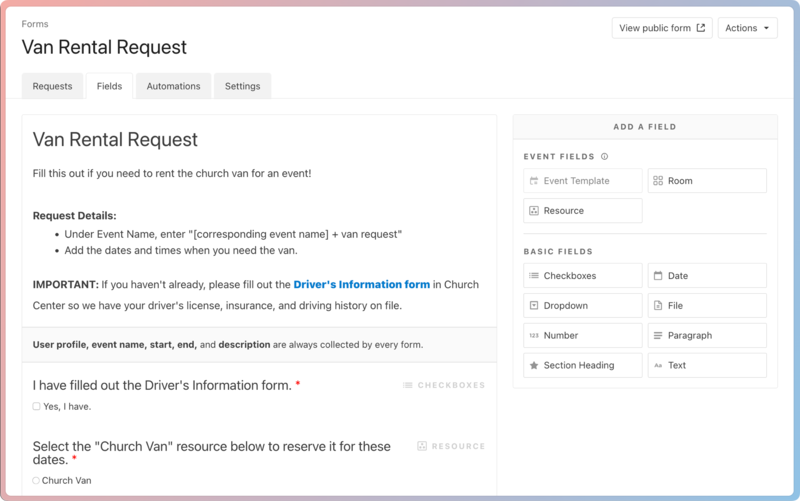
Add a link to your "Driver's Information" form to the event request form's description, so drivers can quickly access it if they haven't uploaded their information yet.
Add a required Checkbox field that asks people to confirm: "I have filled out the Driver's Information form."
(Optional) Select the Automations tab to create an automation that adds a workflow item for staff members to verify the driver's information in People before approving the request.
Add a required Resource field where the van is the only selection.
Form submissions will create a pending "event" in your Calendar that represents the dates and times when the van will be needed. You can either keep this as a separate "event" or move the reservation information to the corresponding event's page.
Create a People form to track mileage using fields for starting odometer reading and ending odometer reading, then share it with your drivers after their request is approved.
Update the total mileage in the Description field of the van resource.
Keys
If your organization has lots of keys to manage, you can do so more effectively by adding them as resources!
Create a resource for each key and a folder for the keys, and then add the keys to the folder.
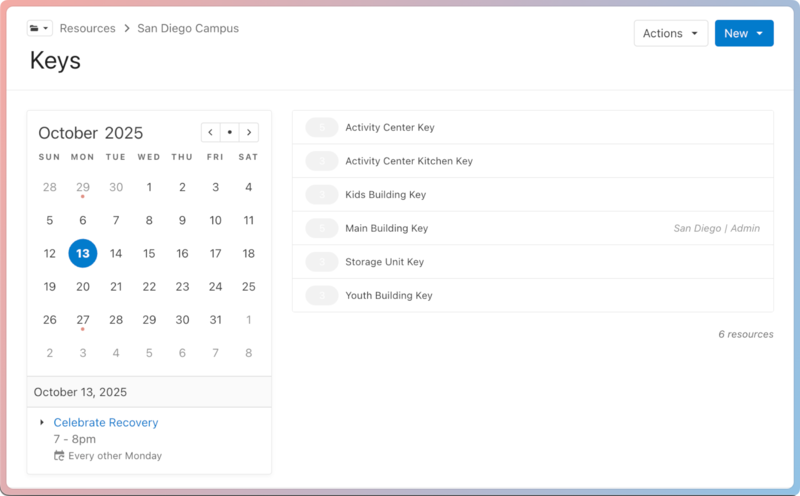
Add a key as a suggested resource to any room setup where the key would apply, so the owner remembers to request a key.
The owner can request more than one key and add a note about who else will need an additional key.
Once the event is approved, the approvers can leave a note in the event's Activity tab showing when they gave the key to the event owner and when they received it back.
As people need to check out keys, add the appropriate key to the event to track where the key was last and ensure it is returned at the end of the event.