Planning Center mobile app
The Planning Center app is your home base for everything happening across Planning Center, whether you're checking on next Sunday's schedule, following up on a workflow, or just staying in the loop across your ministry.
Download the app
Follow the links below to get the app in the Apple App Store or Google Play Store.
What's in the app?
Dashboards
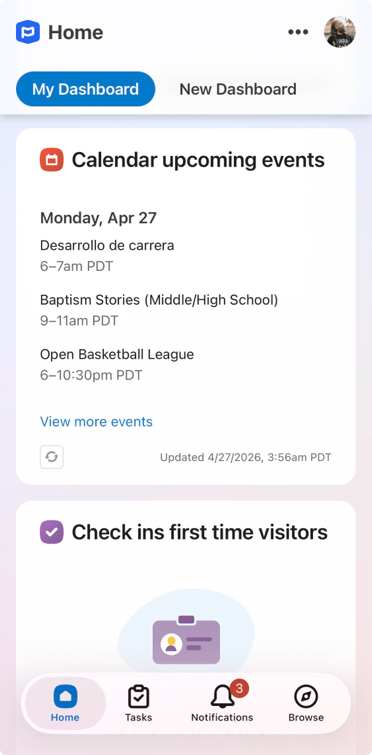
Your Home dashboard is the first thing you'll see when you open the app, giving you a snapshot of what needs your attention most.
You can view all of your dashboards in the app, but you'll need to use Home in a web browser to edit, create, or remove dashboards, widgets, or collaborators.
Tasks
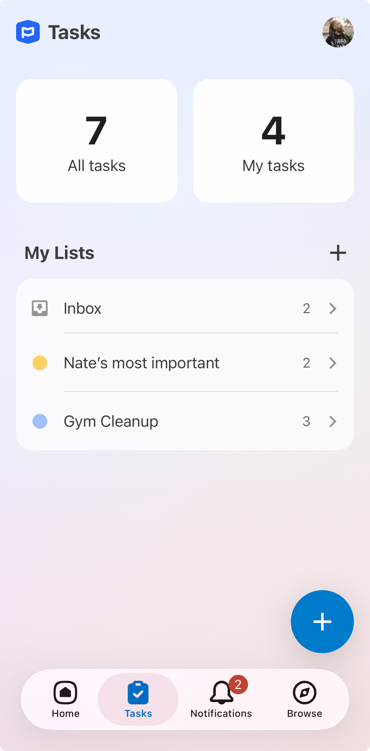
Use tasks to create, track, and organize your to-dos. You can also collaborate on task lists with your team to stay on top of everything you need to do.
Notifications
Get push notifications for every Planning Center product. Your notifications for Services schedule requests, People workflow updates, Calendar event requests, and more all arrive in one place.
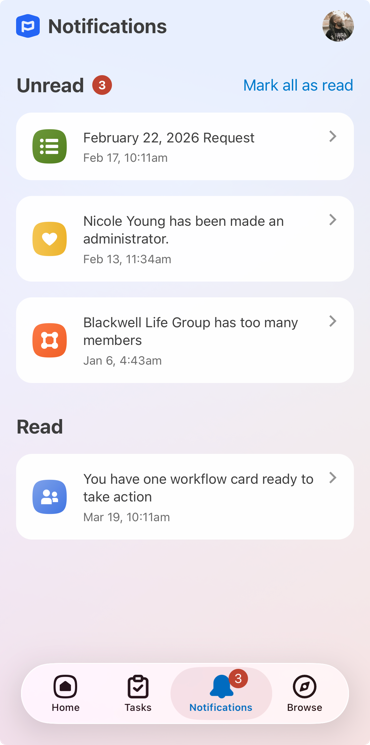
Swipe left on a notification in the app to mark it as read/unread or create a task.
The read/unread status for a notification is synced between the app and Planning Center on the web.
Notification settings are controlled in your mobile device's system settings. You can access these settings by selecting your profile picture or initials in the top right of the app and then selecting Manage system settings.
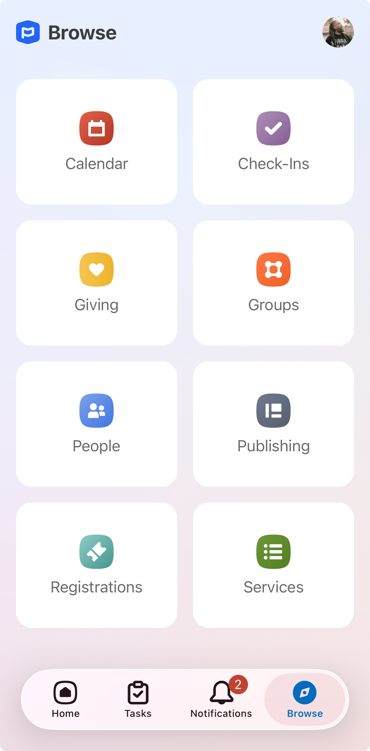
Open products in the app
Open any Planning Center product you're subscribed to right from the Browse tab at the bottom of the app. You'll stay logged in, so there's no juggling passwords or switching between apps.