The Media page
In this section:
You can access the Services media library from the Media tab.
Important
Editors and administrators can add files and delete media. Other people can only view media and files.
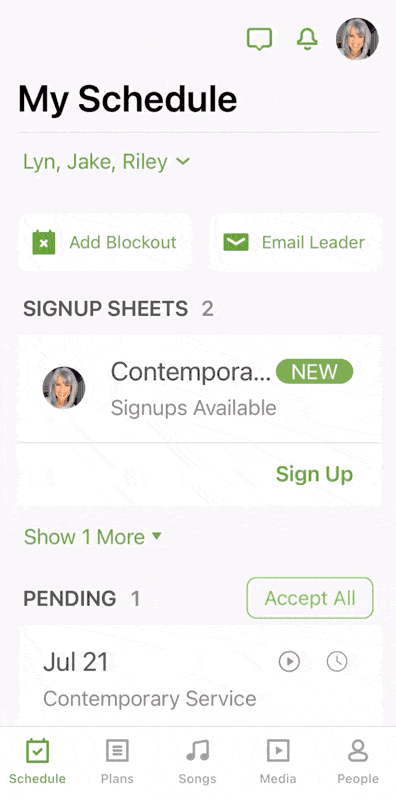
Tap Media on the bottom navigation tab, and then tap filter if you want to choose a media type.
 |
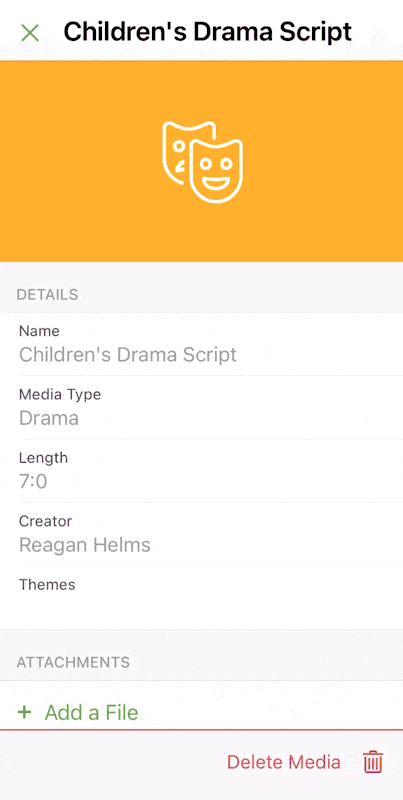
Media cannot be added on the mobile app, but once it's added in Services using a web browser, editors and administrators can add files from their mobile device.
To add a file to a media item, tap Add a File, and then choose the file to attach to the media.
 |