Pages for multi-campus churches
If your church has multiple campuses, you can create a home page that is as unique as they are! Put your campuses' information on a single home page separated by divider blocks, or create a custom page for each campus.
Use a single home page
Add information about your different campuses in blocks on your home page so people can quickly find the essential information for each campus.
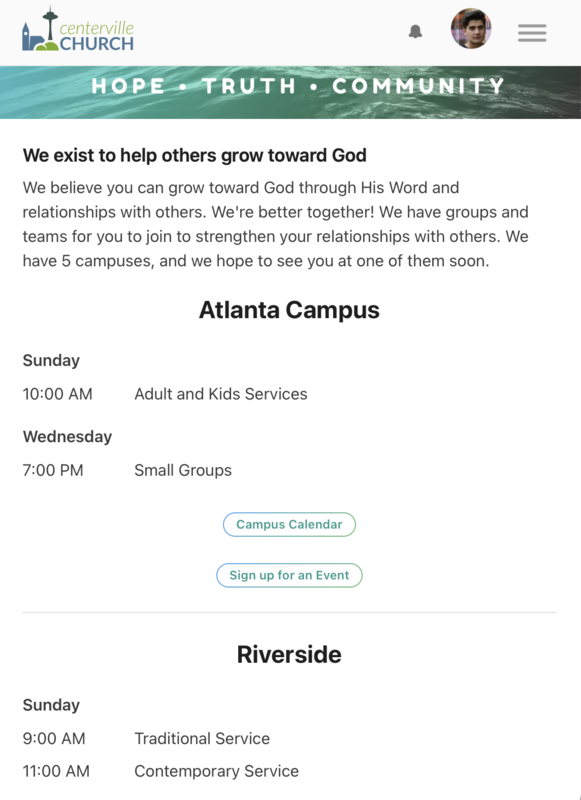
Create a custom page for each campus
If you want to be able to link to a specific page, you can create custom pages for each campus.
Important
This option requires the Plus pricing plan.
You can add information and links to each campus-specific page. Use content blocks to add campus-specific events, signups, or funds to your page.
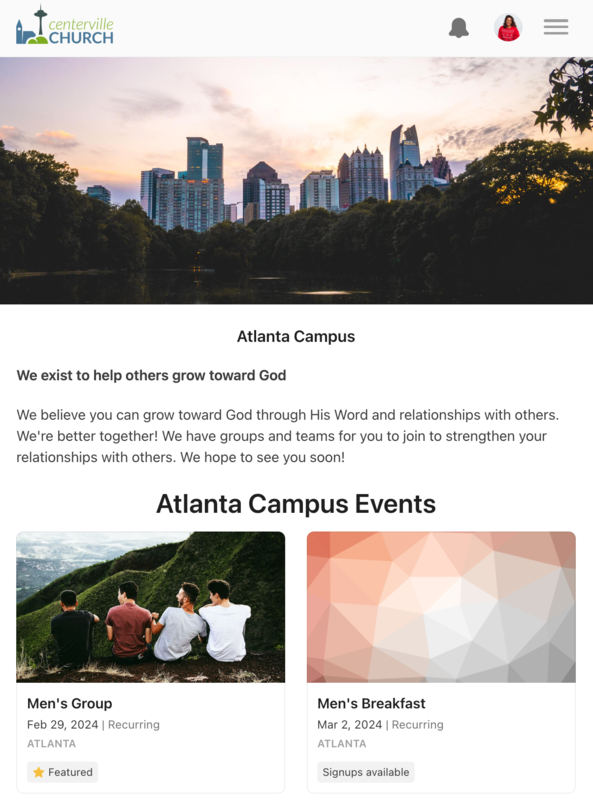
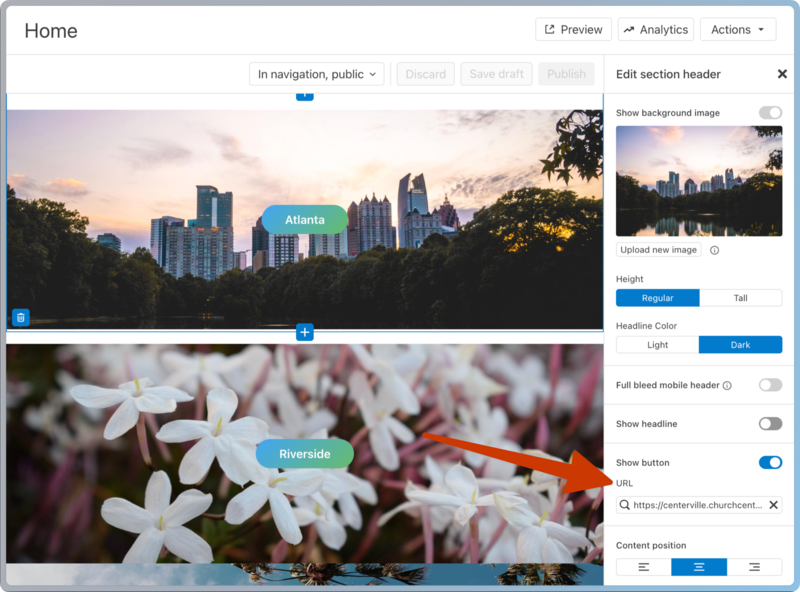
Once you've created your custom campus pages, add blocks to your main home page and link each block to a campus, rather than adding them to your navigation.
You could add these campus pages to your navigation, but any navigation tabs over the first four will go under More.