Help donors give online
Donors can give online using your church's donation form. This article helps administrators understand how to give donors access to online giving and troubleshoot common errors donors may encounter.
Share your donation form
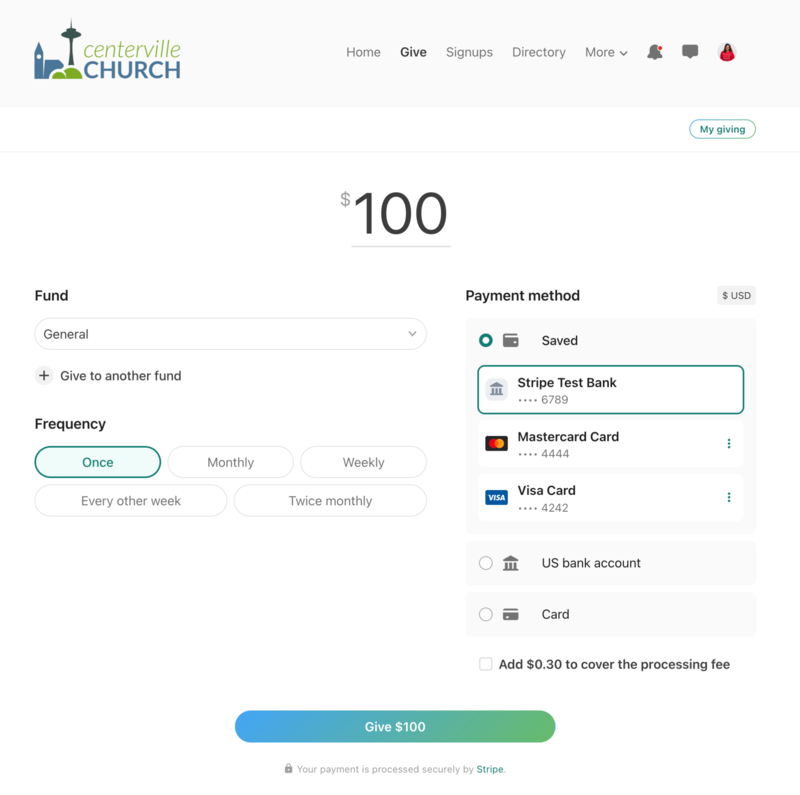
Your church's donation form for Planning Center Giving is hosted on ChurchCenter.com, using the unique web address created when you signed up for Giving. You can find the link to your donation form on your Church Center page in Giving, and you can accept online donations when you enable Giving on Church Center.
Share the link to your donation form on your church's website, social media page, or in an email.
Select Get QR Code at the bottom of any Church Center web page to view and download the QR code for the page. Use this code for a church bulletin, a lobby poster, or an announcement slide. People can scan the QR code to go straight to this URL without typing it.

Tip
Print QR codes on Avery 22805 square stickers and put them in prominent places at your church!
Common troubleshooting for donors
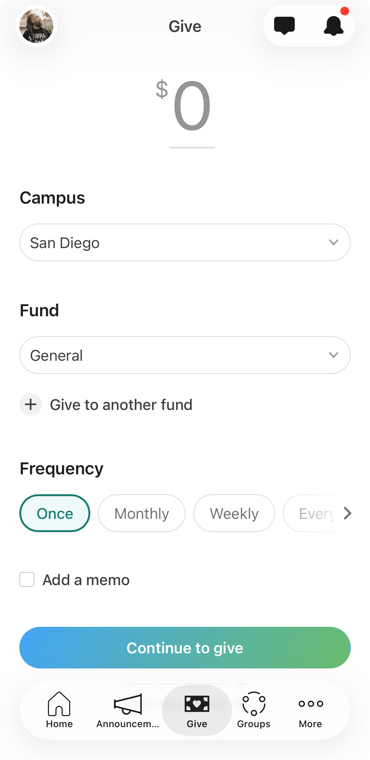
The best way to understand the donor experience is to try it yourself! Log in and give as a donor to see how the process works. If a donor reports an error, the solution can usually be found in your Payments settings. Here are a couple of common errors and their solutions.
Error | Explanation | Solution |
This account cannot make live charges. | This error indicates that something within your Payments account requires attention. It is likely information for your account needs to be updated or verified. | The Payments account owner must resolve the issue in Payments settings. |
Your card was declined. | This error indicates that the transaction has failed. An error message that includes the reason for the decline is visible on the Transactions tab on the Payments page in account settings. If you have additional questions, contact the Planning Center support team directly. | The donor must reach out to their bank to find the reason for the decline. |