Home overview
Planning Center Home is a place for administrators to keep a pulse on what's happening in their church. It includes dashboards and tasks, so everyone can stay up to date on what's happening and what needs to be done in your organization.
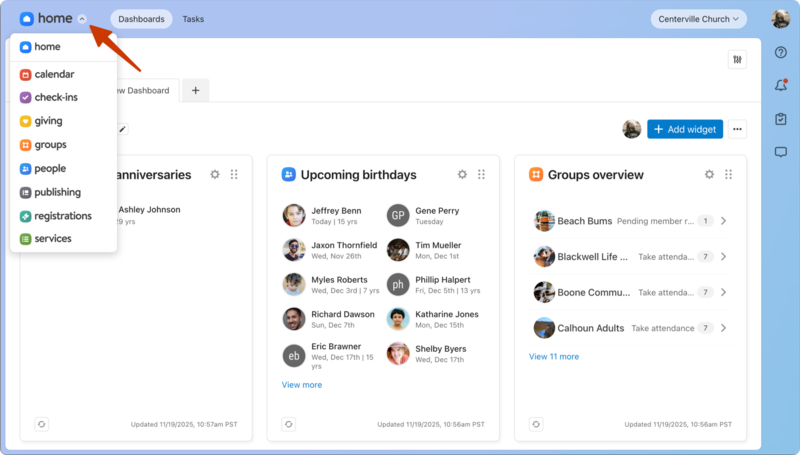
When you log in for the first time, you'll be taken to Planning Center Home (you automatically get access to Home once you're made an administrator in any other Planning Center product). If you're already logged in to Planning Center, you can access Home from the product switcher in the top left.
Dashboards
The Dashboards page is where you can add widgets to your own personal dashboard or create shareable dashboards to use with your teams.
Tasks
The Tasks page is where you can create to-do lists to keep the important work in front of you.
Planning Center mobile app
The Planning Center mobile app is your mobile companion to Home and your home base for everything happening across Planning Center, including task management and push notifications. Follow the links below to get the app in the Apple App Store or Google Play Store.