Common uses for add-ons
Here are some of the most common ways add-ons are used for signups.
Add optional extras for people to purchase, like shirts, mugs, or commemorative photos.
Add the activities at your event, so people can choose which activity they want to participate in.
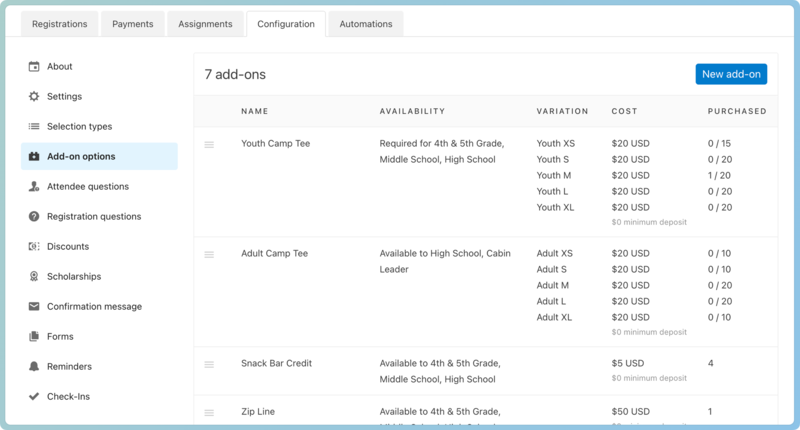 |
When registering, a person can choose to participate in the activity, and any cost will be added to the total amount due.
Tip
You can add forms for specific activities that may require extra acknowledgments or parent permission.
Allow people to choose where they sit or which team they join. Be sure to name each section, add variations to list the options available, and add the number of seats available in each section.
Allow people to reserve specific seats or assigned tickets for an event. Be sure to name each specific section where tickets are located and create a variation for each specific ticket in the section, and set the quantity to 1.
If this add-on is only for a specific selection type, specify the selection in the Available to section, and it will be hidden for anyone registering under a different selection type.
When people register, they can choose a ticket. Add a quantity for each one, so when it's already taken, it will be marked as sold out.
Give people the option to cover the processing fees for a card payment.
Every credit card or debit card transaction is charged a fee. Calculate how much the fee will be for each selection type and create required add-ons specific to each selection type price.
Events like a Parents Day Out or Day Care need to collect more attendee information than split registrations. You can set up those days and allow people to purchase more than one.
To limit people to one option per day, use variations.
To allow people to choose multiple options per day, use separate add-ons.