View service details and files
When you are scheduled for a plan, you can view information about your assignment, view service details, and access plan files.
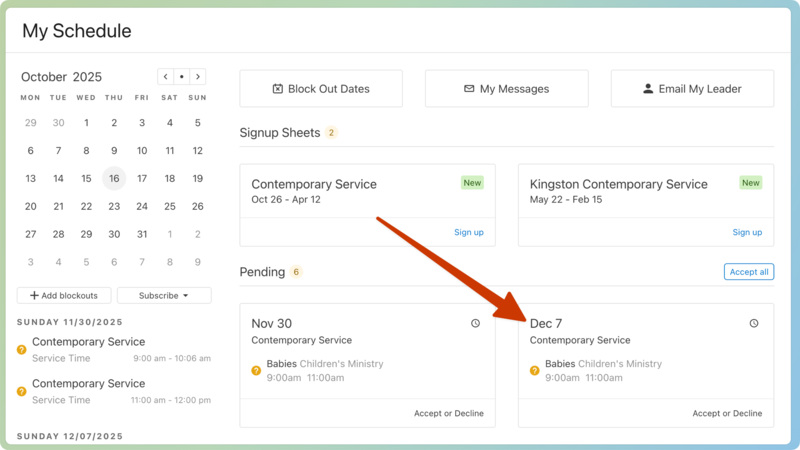
After you log in, you can select a date from your My Schedule page to open the plan page.
Important
If you're unable to open a plan page by selecting the date, it's possible that your team doesn't have plan access. Select Email My Leader to contact your team leader.
If your church has planned your service, you'll see the plan items in the Order tab of the plan page. If the page is empty, it means your church hasn't planned anything for the service quite yet.
You can access files on the Order tab by selecting the 📎 paperclip icon next to an item in the order of service. If you're a part of a rehearsal team, you can also view files on the Rehearse tab.
Check out this article to learn more about individual plan pages!