Watch or listen to sermons
If your church streams its services or uploads sermons or podcasts, you can watch and listen to that content on the Sermons page in Church Center.
Tip
If you don't see the Sermons page in your Church Center navigation, select More for additional options. If it's not there, ask a church leader if they've made this feature available in Church Center.
Watch a live episode
Catch a service live to connect with your church online!
Chat during a livestream
During a livestream, people logged in to Church Center can chat with others if chat is enabled.
Watch a prerecorded episode
Sermons or other previously livestreamed content are added to Church Center as episodes in a channel. View a channel to watch a prerecorded episode.
Take sermon notes
Open the Notes page while watching an episode to take notes, send them to yourself via email, or share them with others. Notes are made available by your church and could be in the format of an outline of the sermon, fill-in-the-blanks, or areas for you to take your own notes.
Listen to podcasts
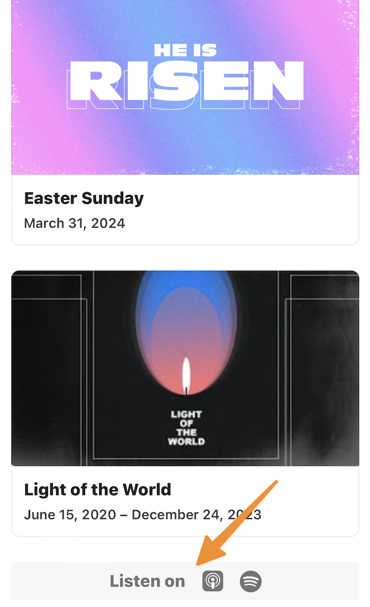
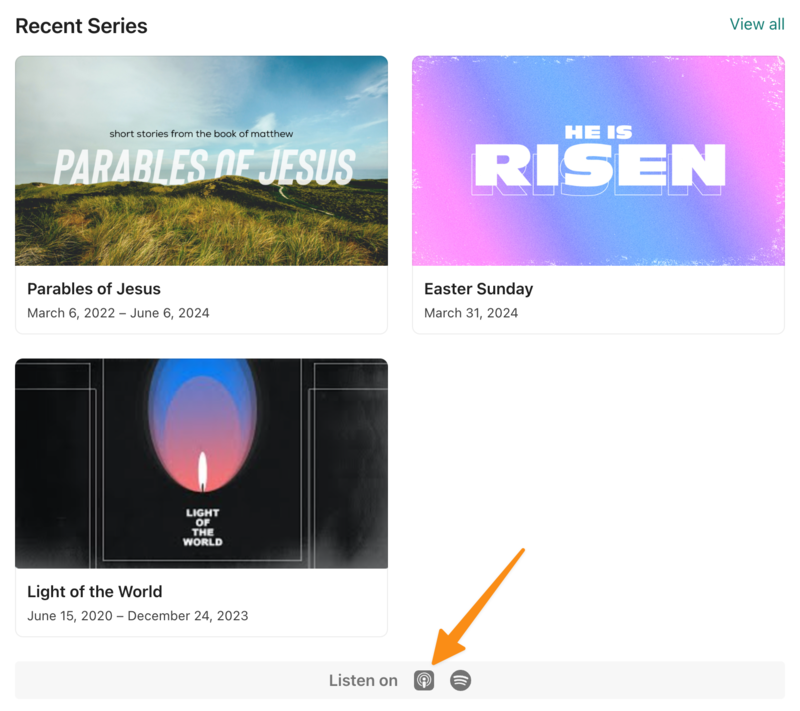
At the bottom of the channel's page, you will find an icon showing where the podcast is available if podcasts are enabled for the channel. Select a listening platform's icon to listen to available podcasts.