Manage registration and payments
After submitting a registration, you might need to pay the remaining balance, complete extra forms, or edit answers to questions. You can make payments and changes by logging into Church Center and heading to the My registrations page of your profile. Any registration that requires additional information or payment displays a Needs attention banner.
While most information can be edited on your own, you may need to contact an administrator to make some changes.
Complete missing information and additional forms
From the confirmation page of your registration, provide or edit any answers to questions that were asked, and access additional forms that have been requested.
Edit attendee information
Complete additional forms
Some registrations require additional information for your registration to be complete. This information is collected through forms. Some forms might be filled out directly on Church Center, some might be filled out online, and others (like PDFs) will need to be printed and turned back in.
Tip
Links to these forms can also be found in your confirmation email.
Change selections and add-ons
Changes to your selections or add-ons must be made by an administrator. Here's how to find the person who can help you make changes.
Tap your photo or initials at the top of the app.
Scroll down to the Activity & involvement section.
Tap My registrations.
Tap the photo of the signup you'd like to make changes to.
Contact the person listed in the Need help? section to request a change to your selections or add-ons.
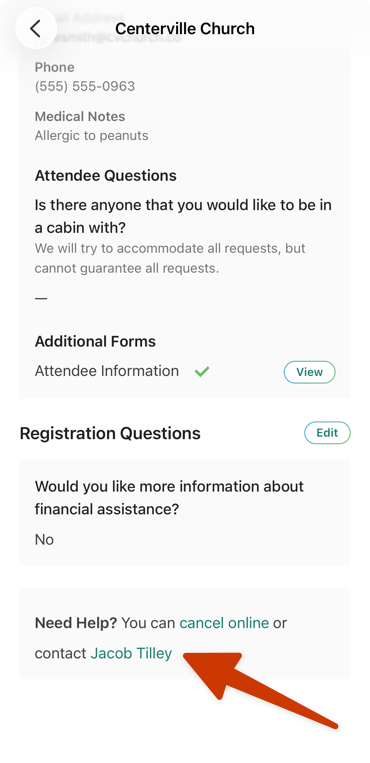
Select your photo or initials at the top of the page.
Scroll down to the Activity & involvement section.
Select My registrations.
Select the photo of the signup you'd like to make changes to.
Contact the person listed in the Need help? section to request a change to your selections or add-ons.
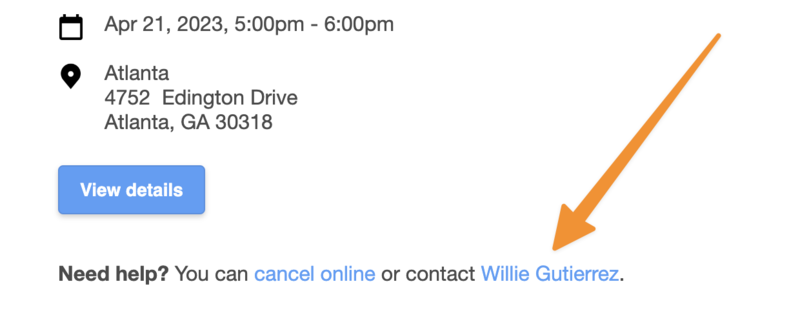
Register again
For times when you need to register again for the same signup, or register another person, head to your church's event page on Church Center.
Keep in mind that it isn't possible to add a person to an existing registration. Following the steps below will result in a second registration on your My registrations tab in Church Center. If you prefer to keep attendees within the same registration group, contact an administrator to request they add an attendee for you.
Select your church's signup page in the top navigation. You may need to select More to locate it.
Select the signup you need to register for.
Select Register again on the left.
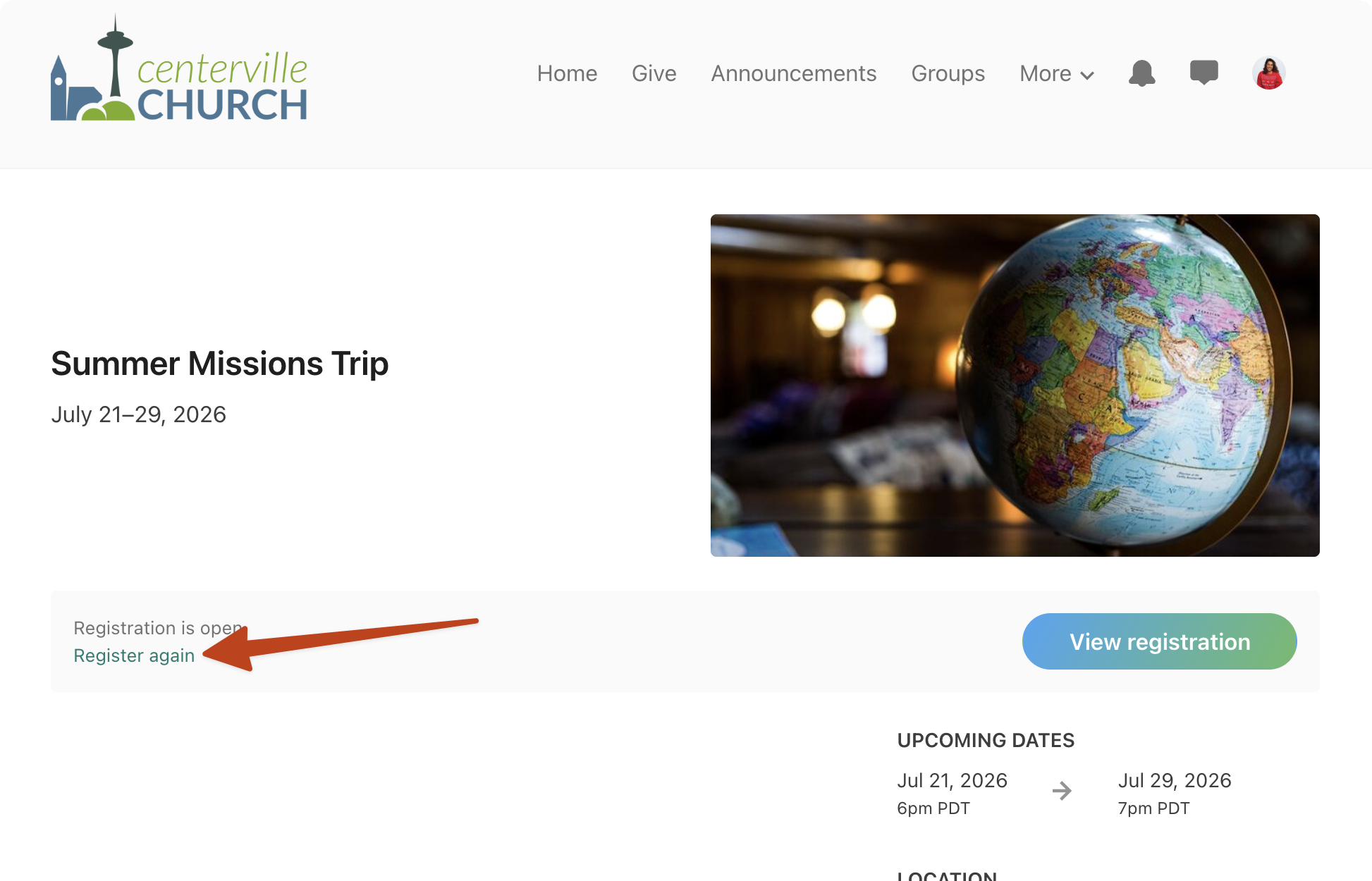
Register for the signup again.
Pay balance
If you have a balance due, follow the steps below to make a payment from the registration confirmation page.
Cancel your registration
If you need to cancel your registration, head to the My registrations tab of your profile.
A refund will not be issued automatically. If you need a refund, contact an administrator to request one.
Important
If you don't have the option to cancel your registration, contact the person listed in the Need help? section to cancel.