Send a Church Center announcement
If you want to let people in your church know something is coming up or alert them to a schedule change, send an announcement through the Church Center app.
Tip
Do you want to know who is using the Church Center app? Create a list to see who has used it in a designated time frame!
Create an announcement
Church Center announcements are sent through People lists.
Send the announcement to only specific people on the list by checking the box next to the selection dropdown and unchecking anyone who should not receive it.
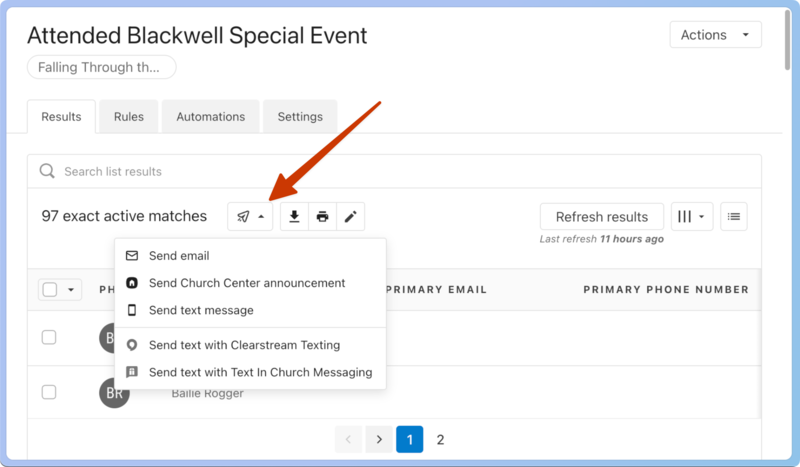
Select the message dropdown, and choose Send Church Center announcement.
Tip
If you know you're creating a list to send an announcement, make sure you add the condition to include those who have used Church Center within a timeframe so those who haven't don't get a random notification the next time they log in.
Enter the information you want to share in the announcement.
Title: The title is the first thing recipients see on their notification page.
Body: Enter the necessary information in the body.
Automatically mark as read after...: To remove unread announcements from notifications, set this announcement to be marked as "read" after a designated amount of time.
Include action button: If you have an action you want people to take, check the Include action button and add those details.
Scheduled delivery: If the announcement should be sent in the future instead of immediately, schedule the date and time. Scheduled announcements can only be sent between 6 a.m. and 8 p.m. in the organization's time zone.
Select Review when you've added all the needed information to see what your congregants will see when they receive the announcement.
View sent announcements
Anyone with permission to send Church Center announcements can view all sent announcements from the Message history page or a person's profile.
Important
By default, all managers and above can send announcements and view all announcement history.
All announcements
Select the Lists page from the top navigation.
Select Announcements from the Message History section of the left sidebar.
Select an announcement to see the recipients and who read it.
View individual announcements
Select the People page from the top navigation.
Select a person's name from the list.
Select the Communication tab from the left sidebar of the person's profile.
View the announcement on Church Center
If notifications are toggled on for the Church Center app, a person will receive a notification on their device about the announcement.
If a person doesn't have notifications on, they can still see any announcements from their profile in the Church Center app.
You can access notifications from Church Center using a web browser or the mobile app. However, notification preferences can only be set from the iOS or Android app.
 |
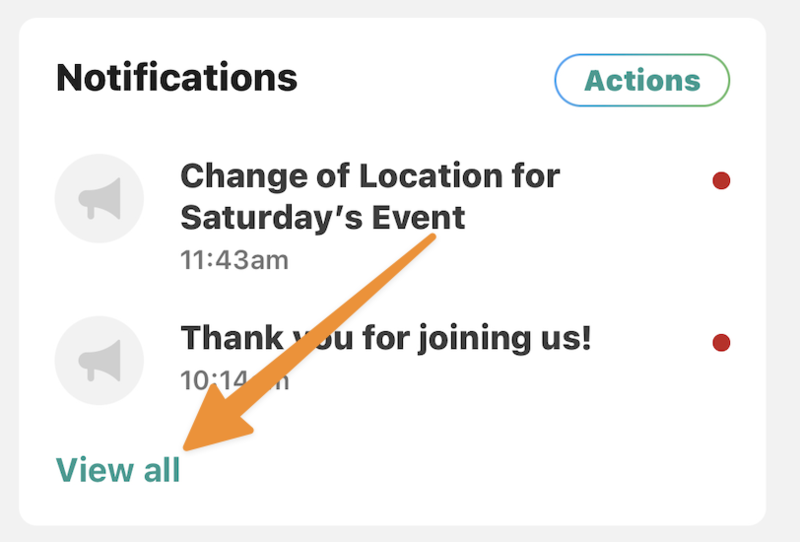
Select View all to view notifications.
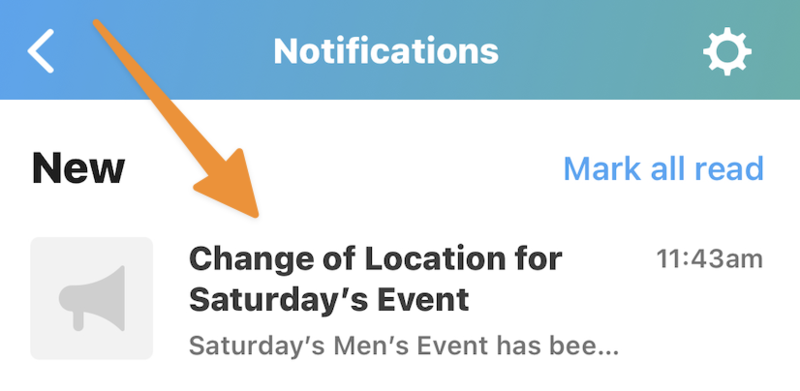
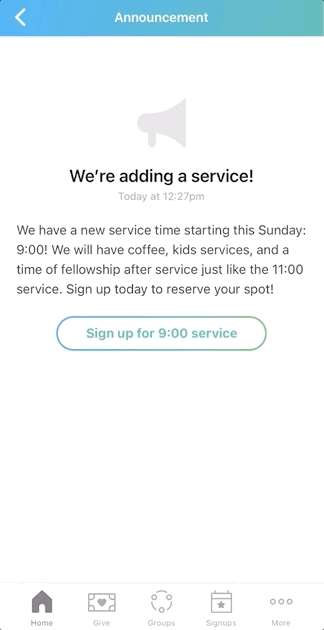
Announcements appear under the New category. Tap the announcement to view it.
Tap any action buttons to go to the website.
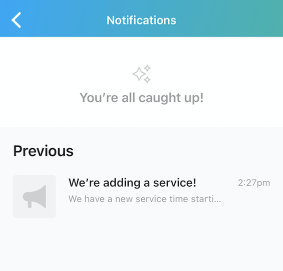
Once the announcement is read, or if the allotted time has elapsed, it moves to the Previous category.