View sent texts
Once a text message has been sent, you can view it from the Message history on the Lists page or on the Communication tab of a person's profile.
Message history on the Lists page
Select the Lists page from the top navigation.
Select Text messages in the Message history section of the left sidebar.
Select a text from the list to see more details.
If the text was not delivered, you can select the person's name and change the phone number on their profile.
The No textable numbers message indicates that the number was not a mobile number that could be texted, so no attempt was made to send the text. You will not be charged a credit.
The Undelivered message indicates an attempt was made, and you will be charged a credit.
Individual messages
Select the People page from the top navigation.
Select the person's name from the list.
Select the Communications tab from the left sidebar of their profile.
Text messages are notated by a 💬 chat bubble icon in the Type column.
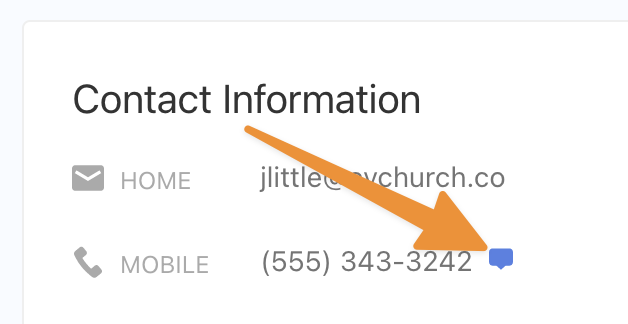
If a mobile number successfully receives a text message, you can see the icon on their profile indicating that they receive texts.
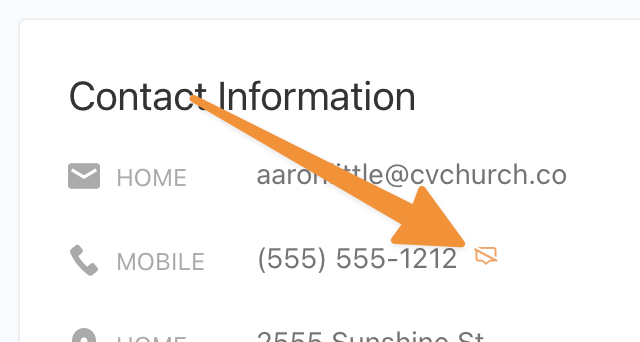
If a number cannot receive a text or is unsubscribed, you can see an icon on their profile that shows the number isn't textable.