Manage spam list
When People forms are shared publicly, there's no way to prevent someone with malicious intent from submitting a form; however, you can block suspicious email addresses from making future submissions by adding them to the spam list.
Important
Profiles created by spam form submissions must be deleted manually.
Add an email address to the spam list
Select the Overview page from the top navigation in People.
Select the Configuration tab.
Choose Manage spam list from the left sidebar.
Enter the email address you want to block in the Address field.
Select the Mark as spam button.
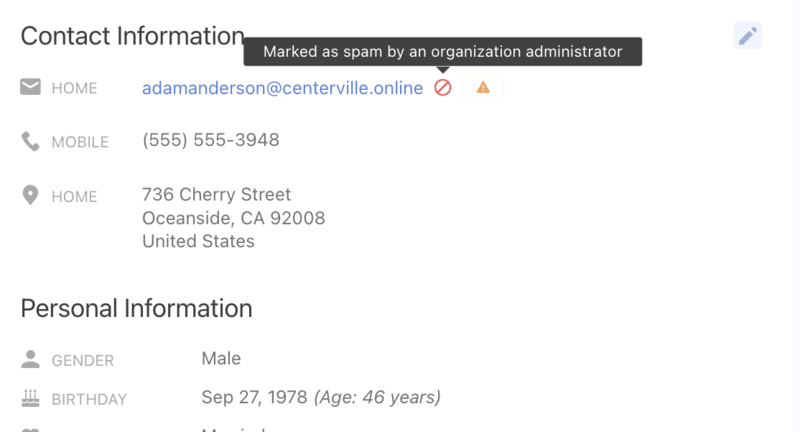
Once an email address is marked as spam, a 🚫 prohibited icon appears next to it on the associated profile.
Remove an email address from the spam list
Select the Overview page from the top navigation in People.
Select the Configuration tab.
Choose Manage spam list from the left sidebar.
Select the 🗑️ Delete button next to the email address you want removed from the spam list.