Use light and dark mode
In this section:
The default setting for Music Stand is dark mode, so musicians can use it during service without light coming from their device. However, you can switch to light mode at any time.
Important
Only the plan page and menu bars invert colors in dark mode. PDF files don't automatically display with a black background in dark mode.
If you're using an iOS device, you can invert the colors and save it as a shortcut so your PDF files display in dark mode.
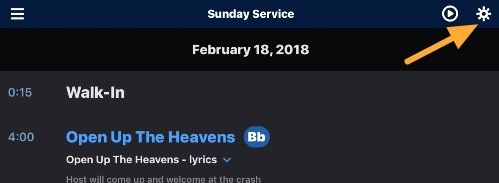
To switch to light mode, tap the sun icon in the top right of the menu bar.
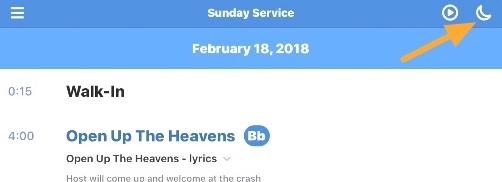
To switch back to dark mode, tap the moon icon in the top right of the menu bar.