Social profiles (Facebook, X, LinkedIn, Instagram)
In this section:
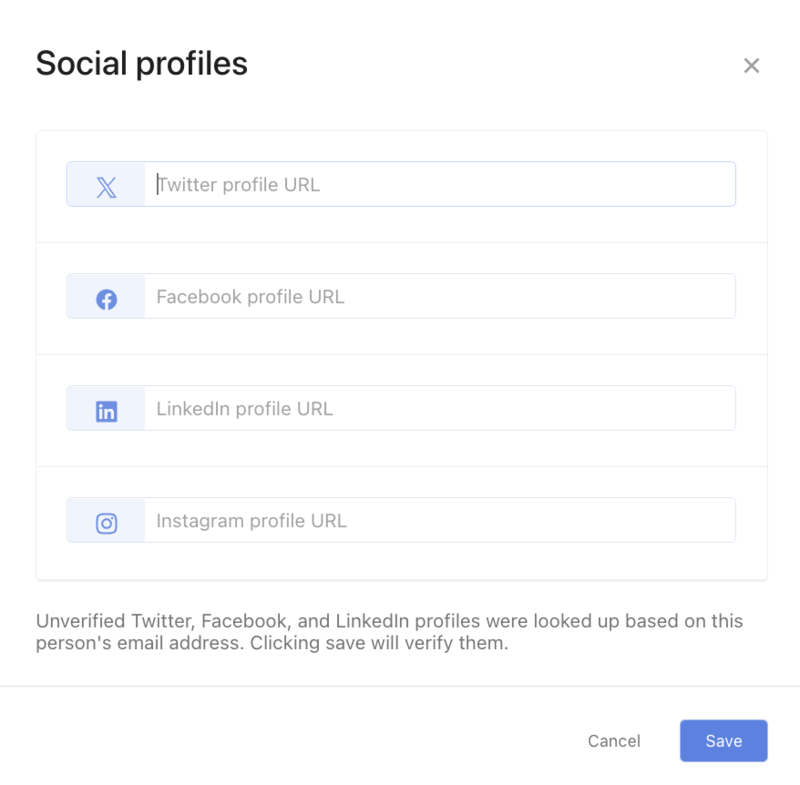
Add social profiles like Facebook, X, LinkedIn, or Instagram to profiles to connect with your people on those platforms.
Add social profiles to a person's profile
Select the People page from the top navigation.
Select the person's name from the list to open their profile.
Select the ✏️ edit icon in the Social Profiles section of their profile.
Paste the full URL of their social network profile (including the https://) in the appropriate box.
Select Save.
 |