Filter people and households
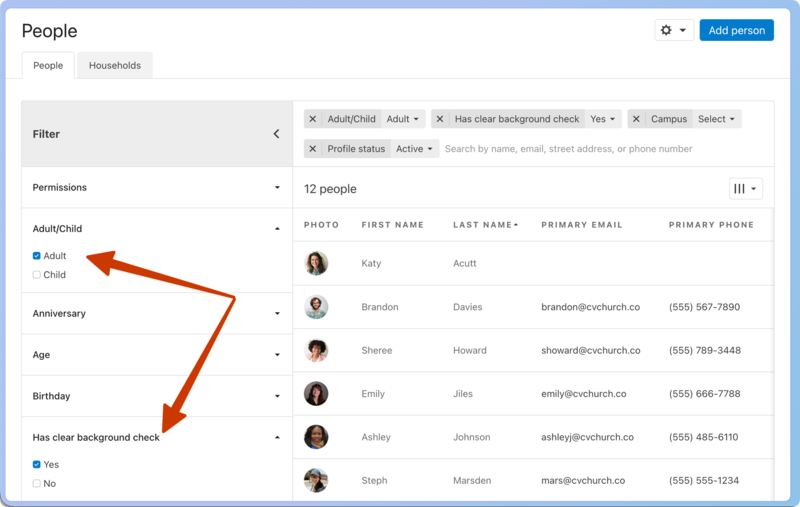
Use filters on the People page to quickly access attributes without having to save results.
Tip
When you change filters, the page's URL changes to reflect the exact filters you've applied. If you have many different filter combinations you use frequently, you can bookmark a filtered page in your browser.
Filter people
By default, the People tab is filtered to show active profiles.
Select the People page from the top navigation.
Select Filter at the top left to open the filter sidebar.
Select the ➕ plus sign next to an attribute to add it as a filtering condition, or the ➖ minus sign to remove it as a filtering condition.
Filter households
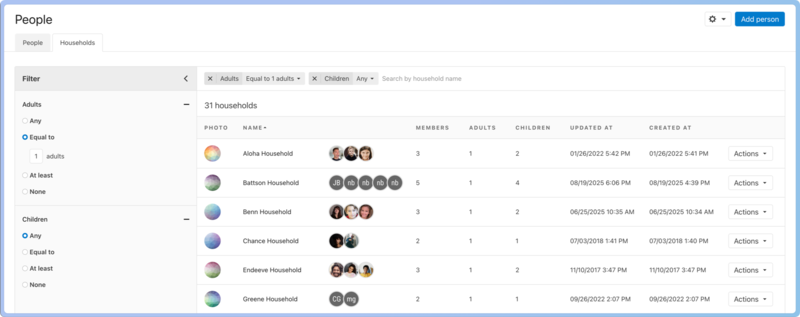
Use the Households tab to filter by number of adults or children, search by household name, and sort by name, member counts, or when the household was created or last updated.
Select the People page from the top navigation.
Select the Households tab.
Select the ➕ plus sign next to an attribute to add it as a filtering condition, or the ➖ minus sign to remove it as a filtering condition.